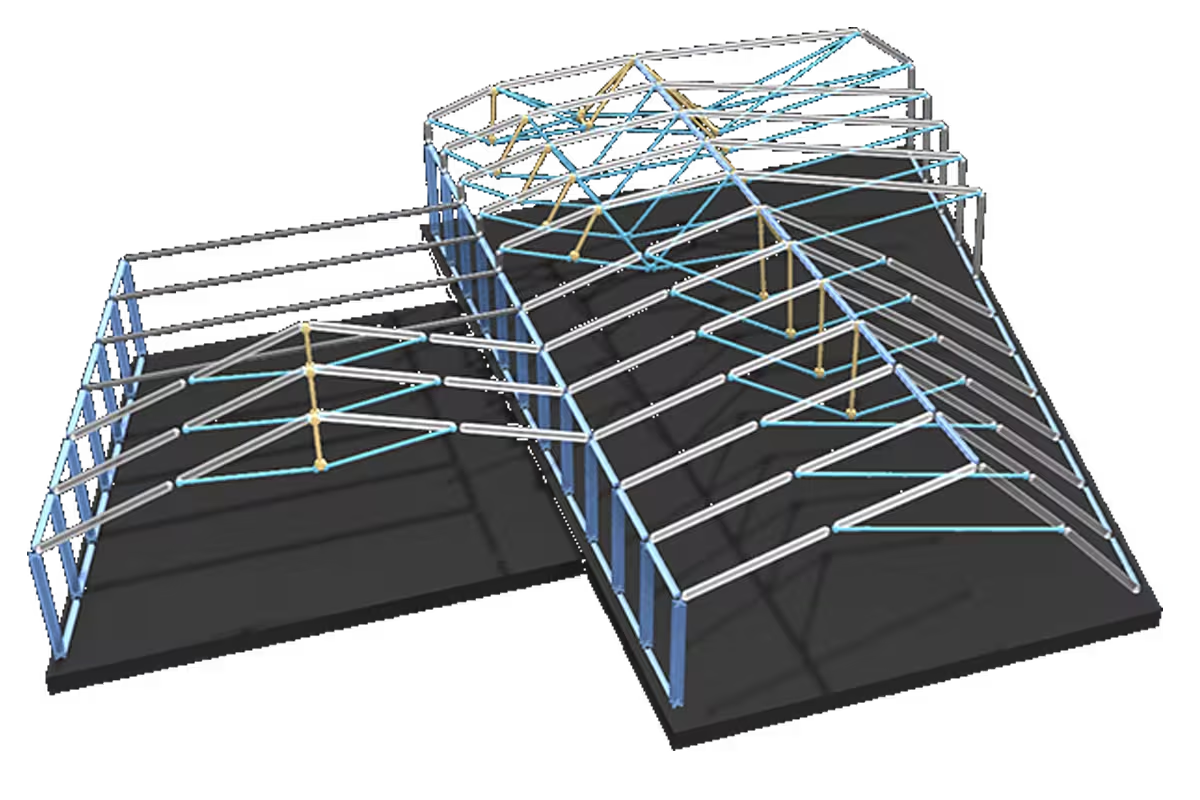
Roof structures.
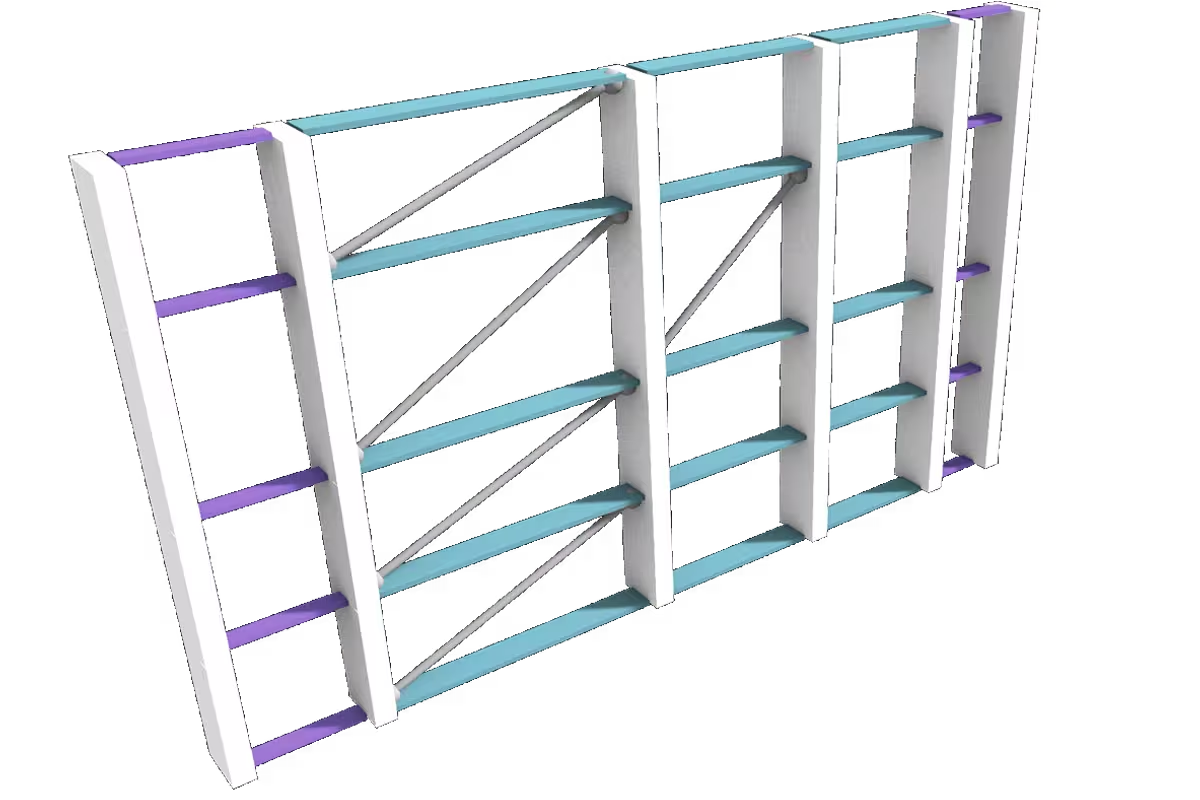
Facade substructures.

Steel grids.
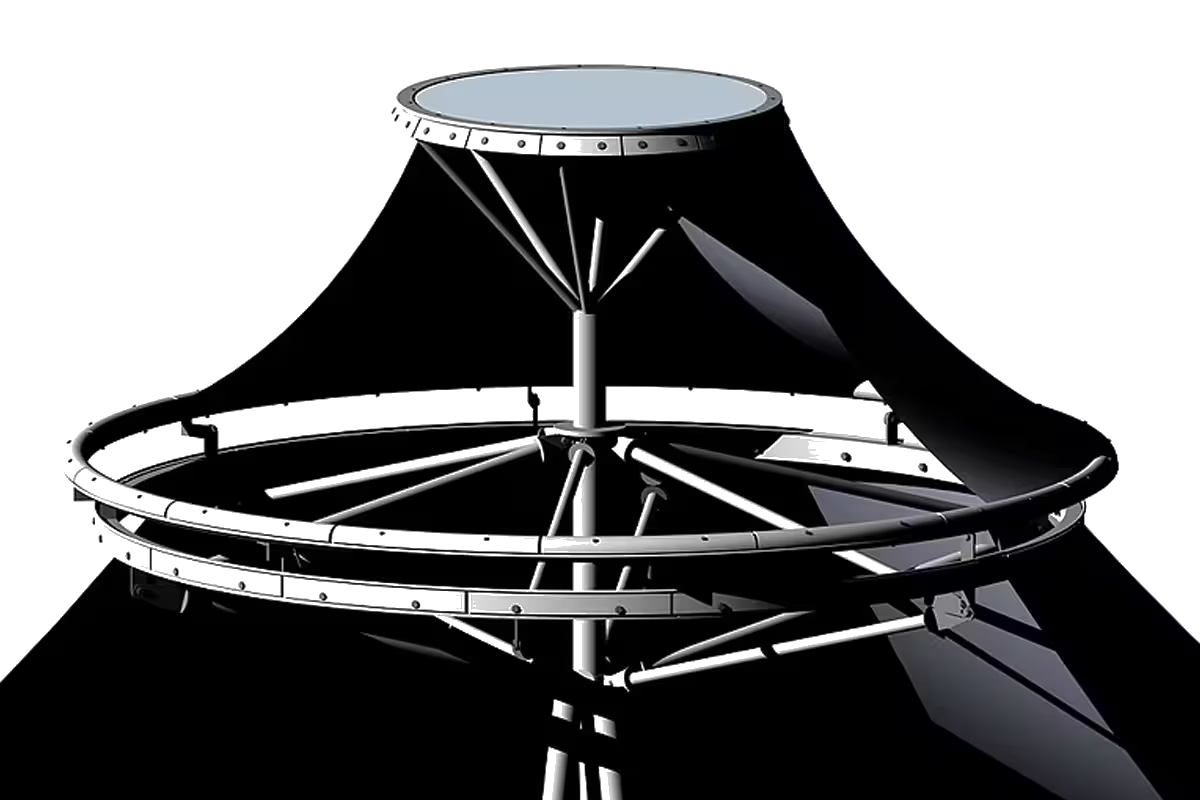
Membrande covers.
Define your axes.
Portia creates the graph topology for you.
Connect your models.
Portia maps your own details onto the grid.
Manipulate the grid.
Portia runs powerful filters, queries and modifiers.
The food4Rhino examples make Portia immediately usable and easy to grasp - promise. Add your models, distribute them on the grid - or optionally prompt AI to run the whole thing.
Your input axes become an adaptive organism— every node typed, every connection tracked.
Define exact limitations that govern how the graph reads and classifies your grid.
A library of clean descriptor objects that capture nodes, edges, lengths, types and more.
An expanding set of operations that modify, filter and transform the graph with full repeatability.
Describe your goal in plain language - Portia executes the right command.
Your detail models get classified and positioned onto the right orientation planes.
More functions are on the way— similarity recognition, conditional rewiring, spatial minimization and more.
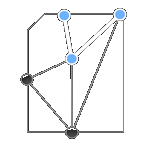
Recognize repeating grid branches for cloning.
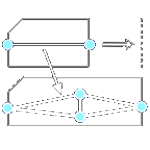
Overwrite larger node clusters conditionally.

Minimize clearances to meet tolerances.
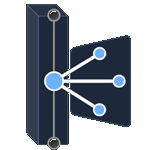
Unify independent graph topologies.

Bálint Füzes
MSc Architect & Software Developer
I’m Bálint Füzes, MSc Architect and certified software developer. I support architects and engineering teams with modeling and computation - usually at the construction-near phase of projects.
My focus is the harmonious interplay of geometry and algorithms - to expand work-in-progress designs into logically lightweight, yet highly-detailed, fabrication-ready models.
Asset modeling.
Construction-ready BIM modeling for project-specific joints and connections.
Project support.
Portia integration and workflow setup for your team's active projects.
Intro sessions.
Graph-driven detailing sessions for offices getting started with.
Portia is created on 8 on Windows. Mac compatibility is not guaranteed due to .NET runtime differences — if you're on Mac, get in touch before committing.
No. The included examples work out of the box — open, replace the geometry, run. The graph operates underneath without requiring any direct interaction. If you want to go deeper and write custom conditions or rules, the architecture is there for it.
Yes — and that's the intended workflow. Portia is asset-agnostic. You bring your own detail models as Rhino geometry, register them as typed families, and Portia handles placement and orientation. Revit families need to be referenced to Rhino first, which is a standard pipeline in any BIM-adjacent workflow (with RIR). Similarly you can connect ArchiCad through LiveConnection or TAPIR, extract a grid and push the model coordinates back.
This is exactly where the graph engine earns its keep. Irregular grids, corner exceptions, slope changes and non-standard node configurations are handled through conditions and rules — you define the exception logic once and it propagates across the full topology.
The natural language layer routes through an external AI API, which requires an internet connection when using AI instructions. The core graph engine — conditions, rules, commands, asset mapping — runs entirely locally and works fully offline. AI prompting is optional, not a dependency.
No. The full core feature set is free — graph engine, asset mapping, conditions, rules, commands, and the complete example library. Advanced features currently in development will be introduced as an optional paid tier later. Nothing that works today will be removed or paywalled.
Yes. The graph engine is three-dimensional — orientation planes are computed in full 3D space, which means non-planar grids, folded surfaces and vertical facade substructures are all handled natively. The included examples focus on roof grids for clarity, but the underlying system has no planar restriction.
Get in touch.
Do you see an alignment or are you simply interested? Drop a line:
balint@fuzesarch.com
+36302980503
 Get in touch